Connecting new HVAC capabilities with current building systems.
New air-conditioning systems like VRF and VRV are super efficient, but they struggle to talk to the rest of the building. In a fire, that silence is the problem.
On-site observation · user journey mapping · wireframes · visual design · global usability testing
Design 1 · Product management 2 · Engineering 6 · Hardware 12 · Cloud 2 · Firmware 3
~ 4 months
US patent granted · Honeywell IP Patent Award

The situation
Since its establishment in 1906, Honeywell has been granted approximately 30,000 patents to date. In 2022 alone the company secured around 750 patents across fields as diverse as Building Technologies, Aerospace and Performance Materials.
I consider myself fortunate to have been part of a team that contributed to one of those patents. Our project focused on developing digital products for efficiently managing air-conditioning systems (HVAC) in commercial spaces like malls and offices.
Honeywell patents granted since 1906
Secured in 2022 alone, across Building Technologies, Aerospace, Performance Materials and more
This project, one of them
The problem
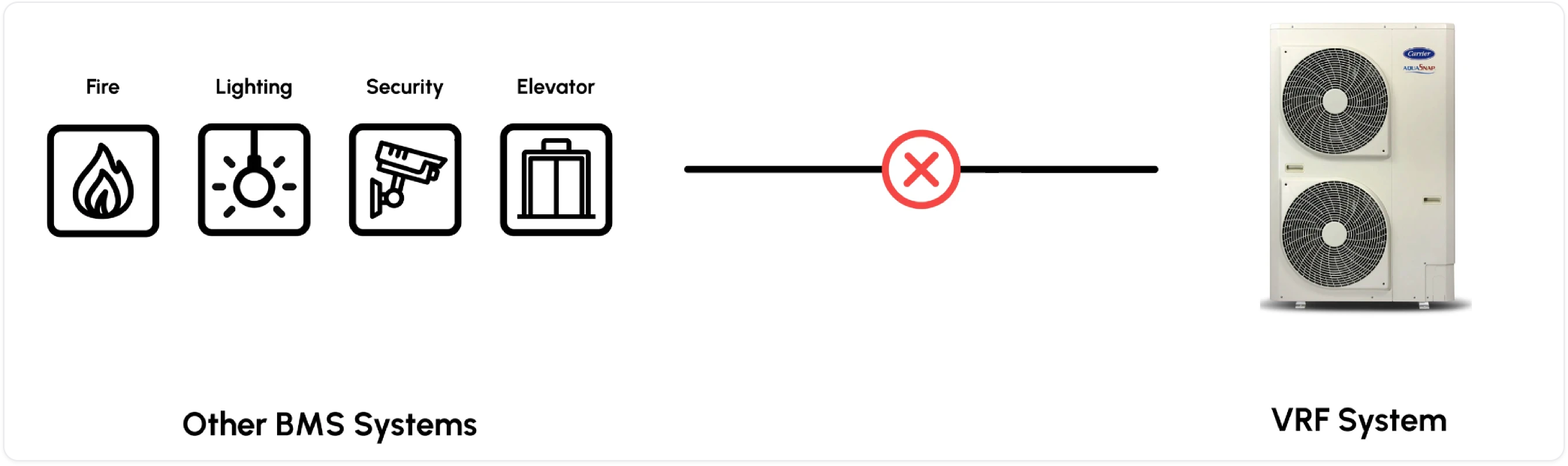
New air conditioning systems in the market, like VRF and VRV, are super efficient, but they struggle to communicate with other building systems such as fire and security systems. This is a problem because, in emergencies like fires, these systems need to work together.
A VRF (Variable Refrigerant Flow) system is a smart way to control a building's temperature. It uses a network of pipes carrying a temperature-controlling liquid to keep each room just the way occupants want it, warmer or cooler. The best part is that it's energy-efficient, keeping spaces at the perfect temperature without excessive energy use.
What we did
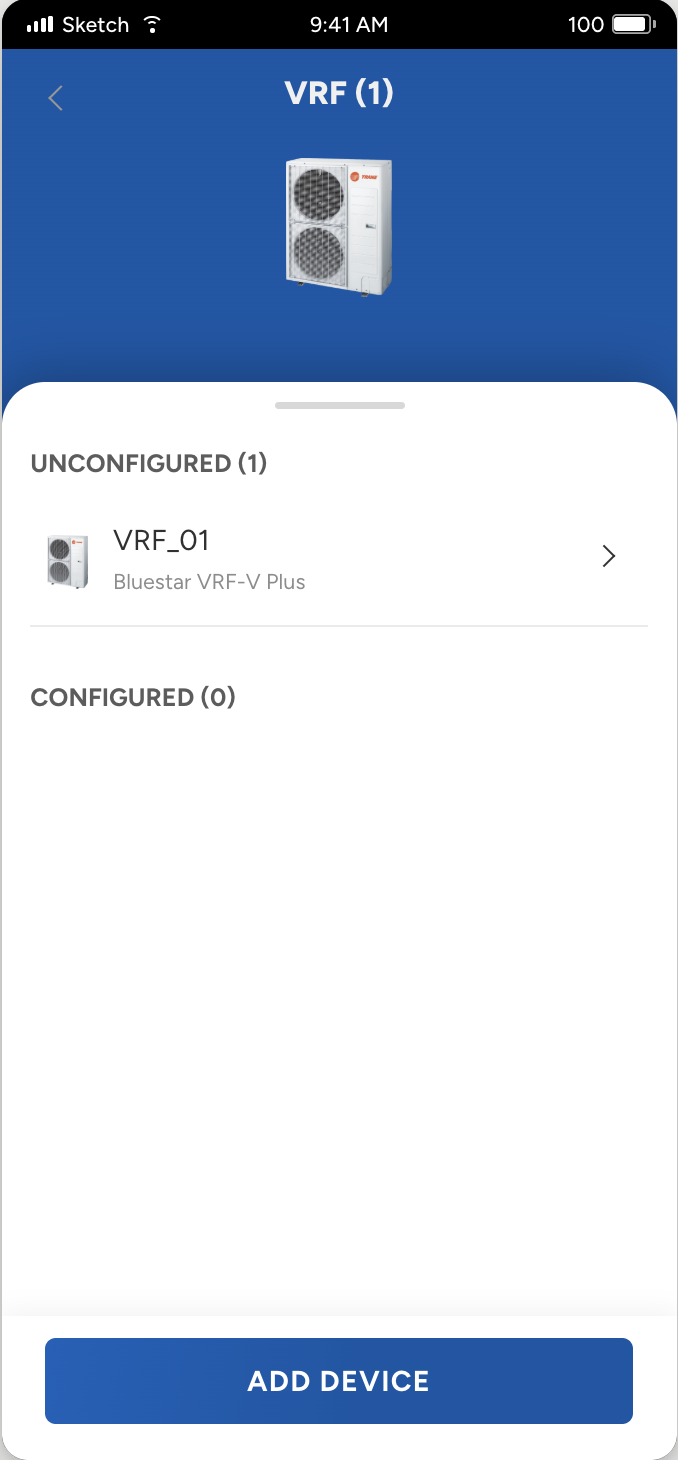
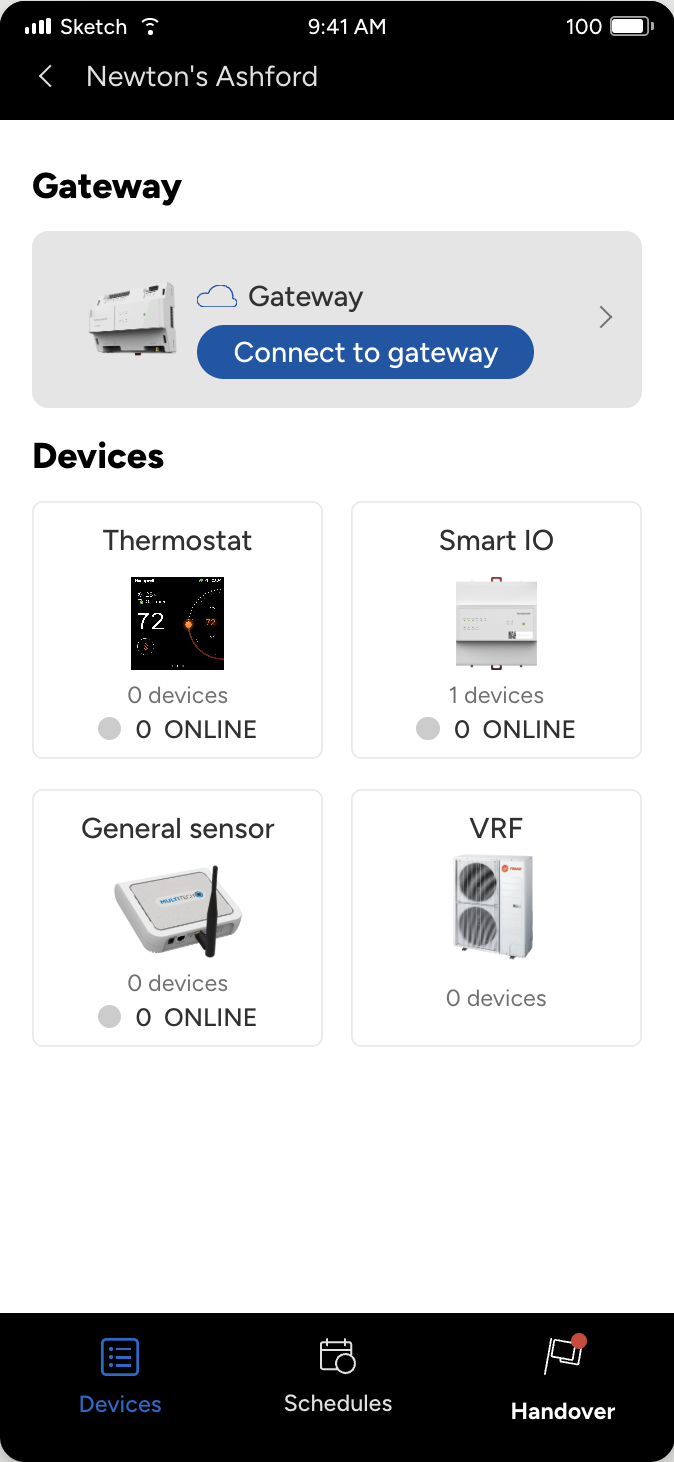
We crafted an application that helps the user or electrician create a virtual network of all the devices of the VRF system and connect it to the main gateway, the gateway that brings all the other BMS systems of the building onto a common channel.
We already had a similar suite mobile app, Connect Mobile, designed to connect and onboard various BMS systems in a building onto a central common channel. So we took the initiative to integrate the VRF onboarding application into our main app instead of standing up a new one. That integration ensures a seamless user experience and strengthens the overall architecture of our solution in the market: both VRF and other BMS systems, managed effortlessly through a single, user-friendly platform.
Honeywell Connect Mobile
4+Honeywell International, Inc.
Designed for iPhone
Free
In the field
This project's research happened on site, not on a call. The install is physical, so watching it was the only way to understand it.
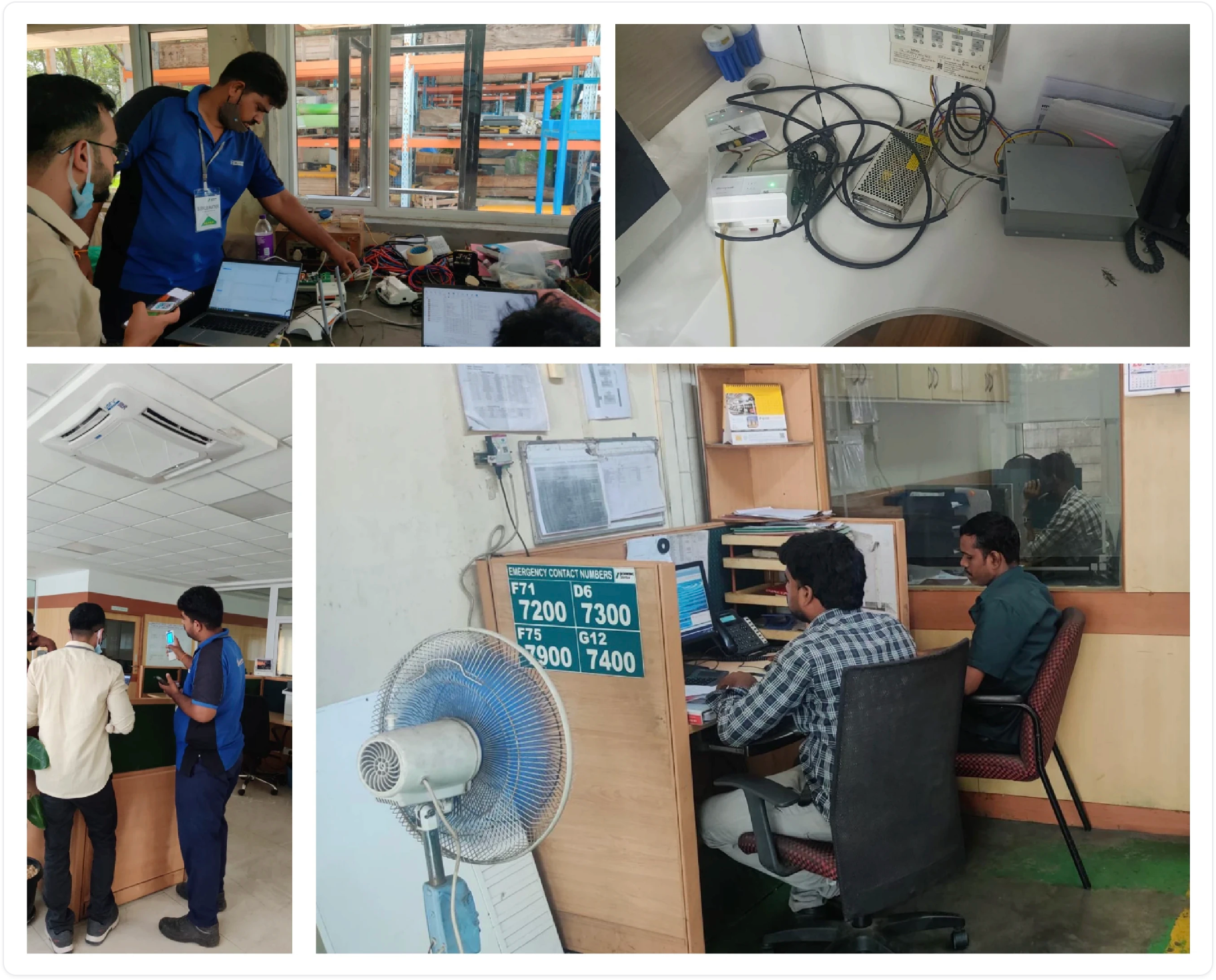
A field trip to customer sites
To gain a deeper understanding of real-world situations in the field, and to learn more about our own products, I visited several customer sites, with the goal of grasping the on-site requirements better.
Interviewing the technician
I interviewed the field technician responsible for installing and managing the VRF system. Witnessing the installation process firsthand and getting insights directly from the people on the ground was invaluable.
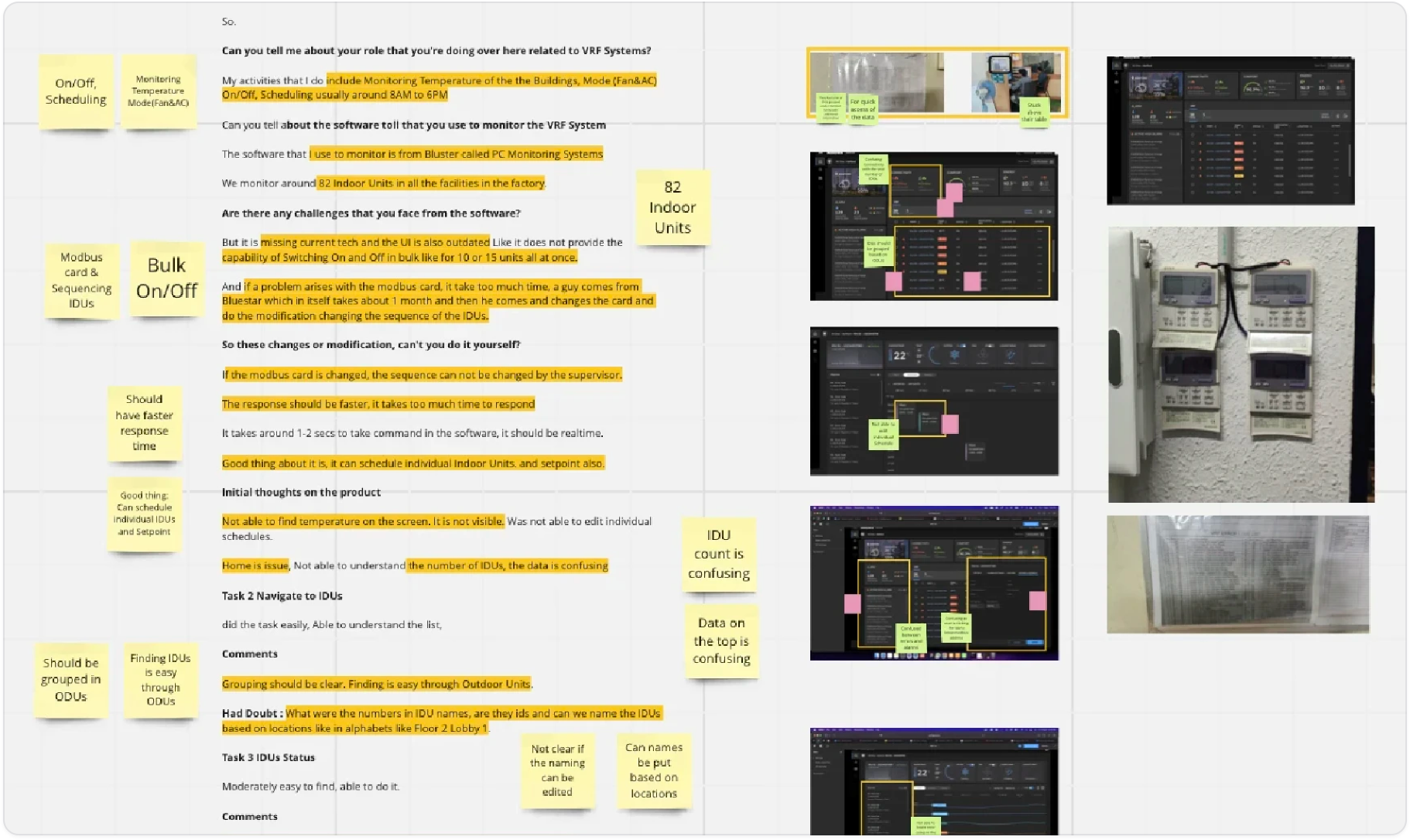
A report the team could act on
Afterwards I compiled a comprehensive report to find the key elements that would guide a user-friendly product (comments and insights from two sites and interviews with various individuals) and presented it to the team for feedback. Once the action items were clear, I moved into iterations and a design proposal.
How it works
Build the virtual network
The application helps users manually add multiple Indoor and Outdoor Units to a VRF, creating a virtual network. It also allows multiple VRF systems to be added, so it caters to big buildings as well.
Test, then set alarms
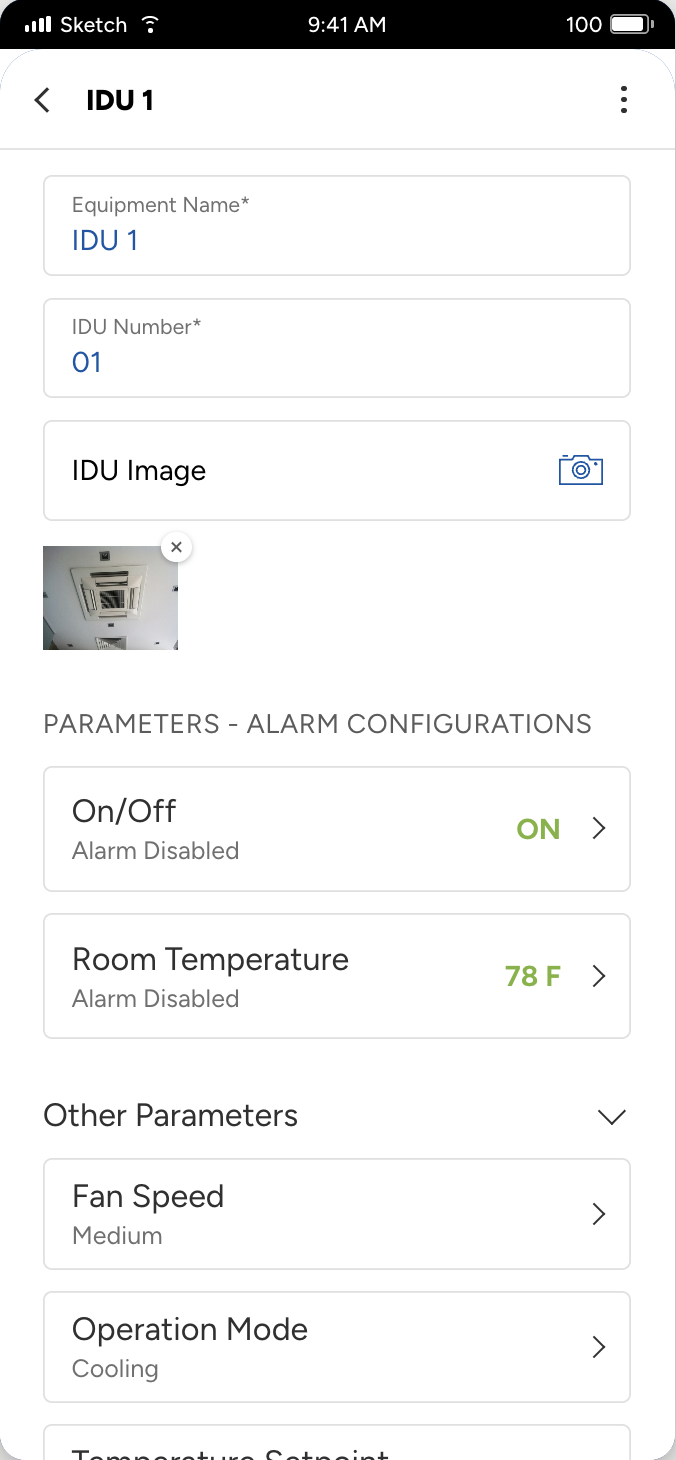
The user can view the parameters of respective Indoor Units in order to test them, and can set alarms against each parameter based on certain conditions.
Iterations, and the constraint of a suite
It took several rounds of design discussions and iterations to arrive at the final workflow, which was ultimately approved. The review cycle involved the design team, stakeholders and leadership.
Because the app was going to be part of the main Connect Mobile suite application, many of the workflows had to be consistent with what was already there. Once the final workflow was complete, it was ready to be developed.
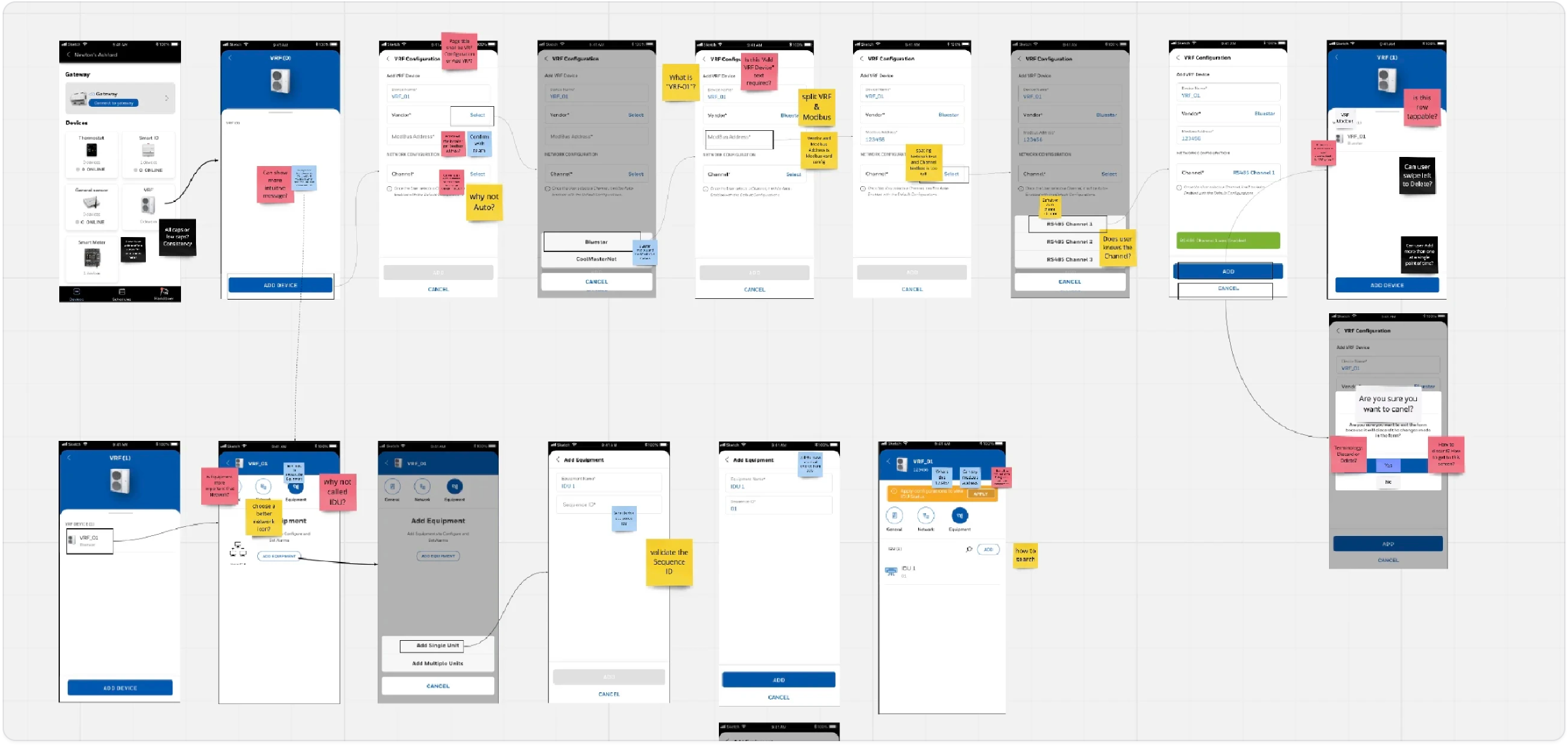
Patent awarded
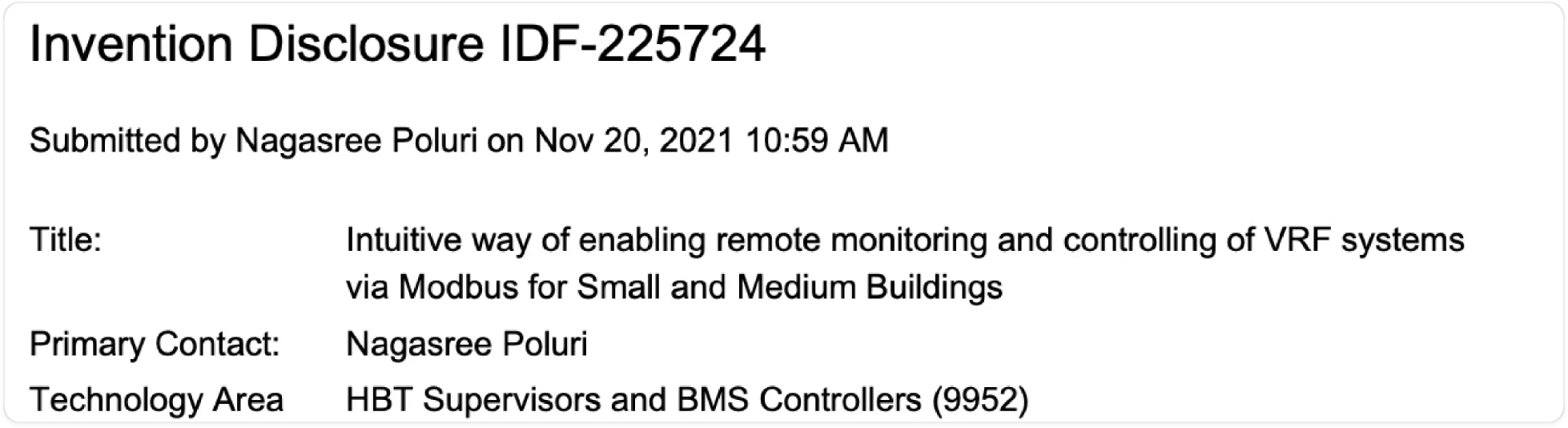
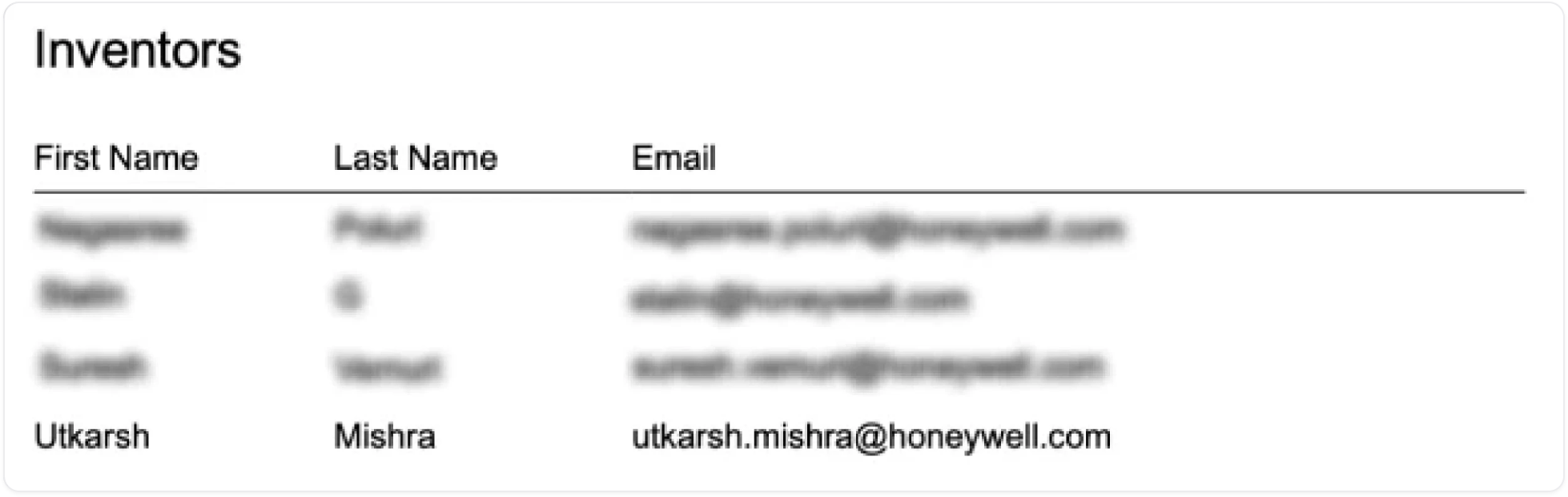
During all of this we had also filed for a patent on the solution, to the US Patents office on behalf of Honeywell. After a long and tiring process our patent was finally approved, and Honeywell awarded the Honeywell IP Patent Award for the hard work. As this was all new to me, I learned a lot about what goes into making a product patent-ready.
That's the last one. Appreciate you making it all the way down here. Thanks for reading!
Back to Selected Works